
Rio Charters
From Praslin to a planned day at sea.
Rio Charters offers group tours and private boat charters from Praslin. The website connects the experience on the water with the practical details needed to choose a trip.
The structure leads from the home page to the charter options and into “Plan your day”: a stepped booking flow with a date picker, contact details and a review of the booking.

- Client
- Rio Charters
- Sector
- Boat tours & private charters
- Location
- Praslin, Seychelles
- Website language
- English
The business and the communication challenge
Group tours and private charters involve different choices. A visitor needs to understand the destination, duration and price basis before choosing a date. The site presents those details with each offer rather than leaving them to the booking form.
What had to be clear immediately
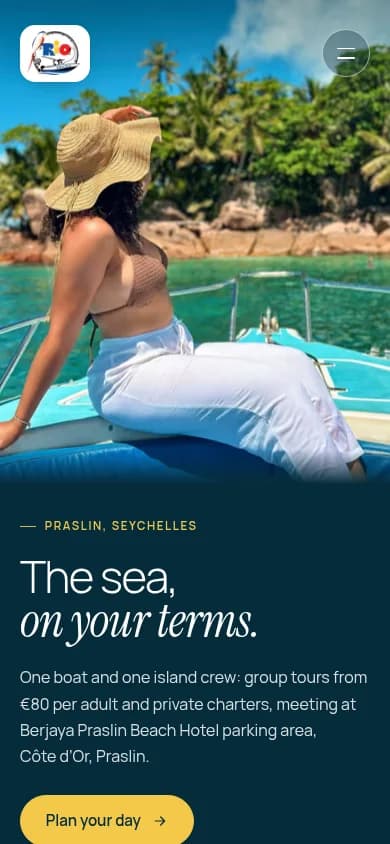
The home page establishes the boat, the island crew and the day at sea through real photography. Direct planning actions sit alongside practical information about the meeting point, licensed capacity and payment. The charter cards then distinguish group, private and fishing trips.
The design and content approach
Home → charters → plan your day is the organising sequence. The planning flow divides the decision into offer, guests, date, arrival and contact. A custom calendar, guest steppers and a booking summary keep the selections visible; on mobile, a sticky total and review action accompany the form.
Deep ocean blue anchors the hero and closing sections, pale surfaces separate the content, and yellow marks the primary actions. Light Manrope headings use italic serif accents. Numbered cards and short labels carry the practical detail without competing with the photography.
The site itself
Chapter 01 / 05
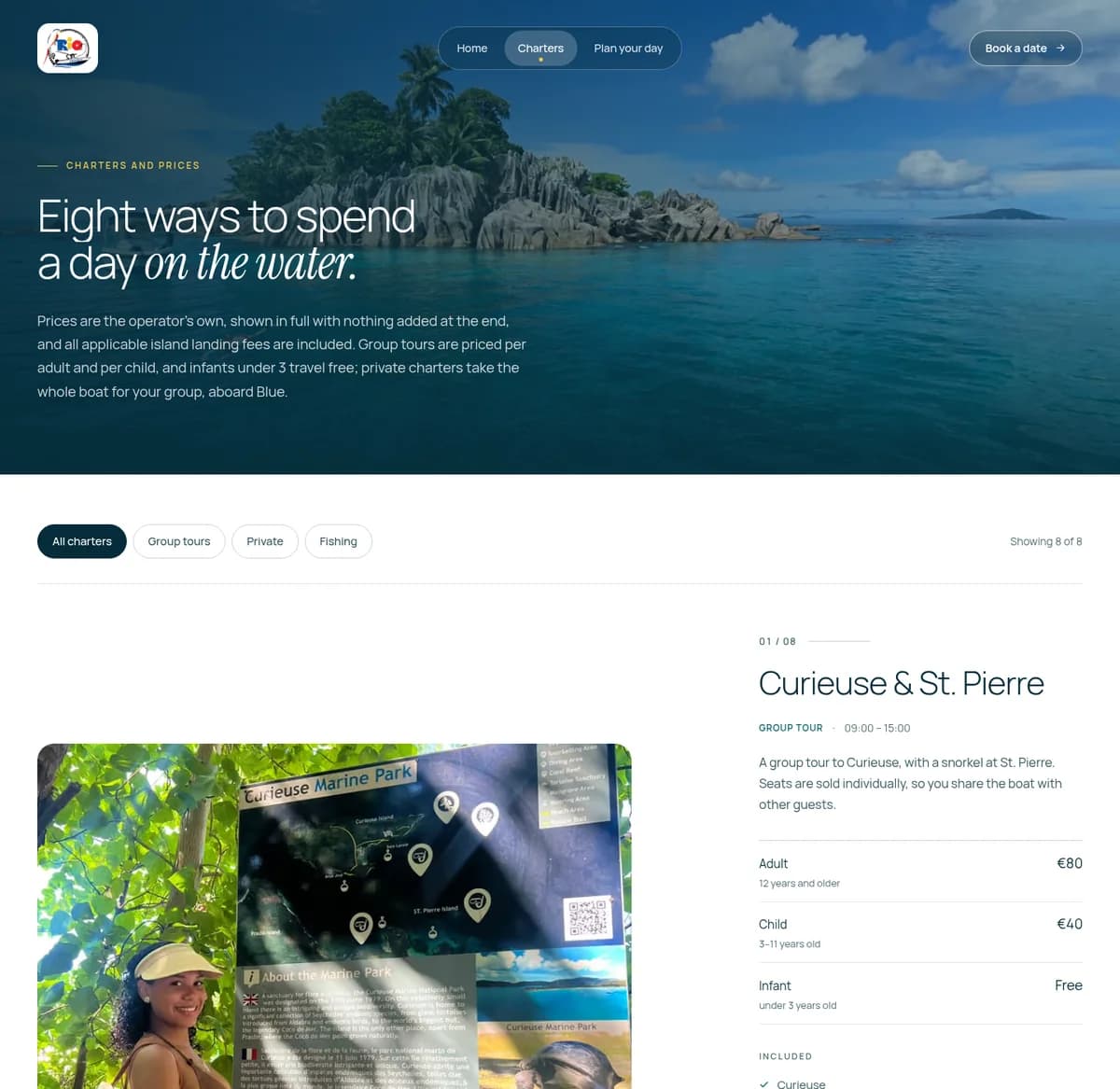
Charters — desktop
Numbered offers bring the type of trip, timing and published prices together.
Chapter 02 / 05
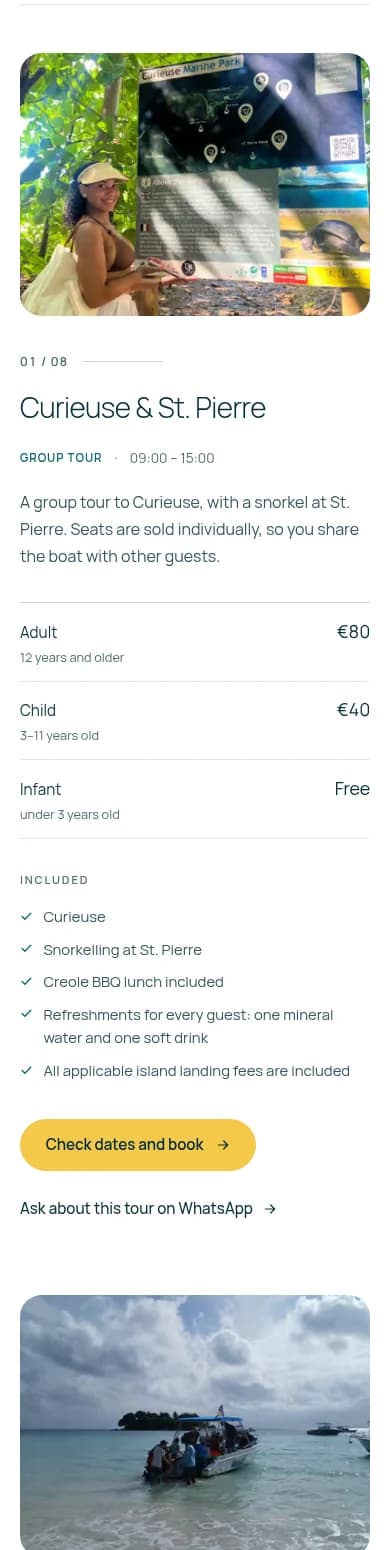
Charters — mobile
The same offer cards become a vertical sequence on mobile.
Chapter 03 / 05
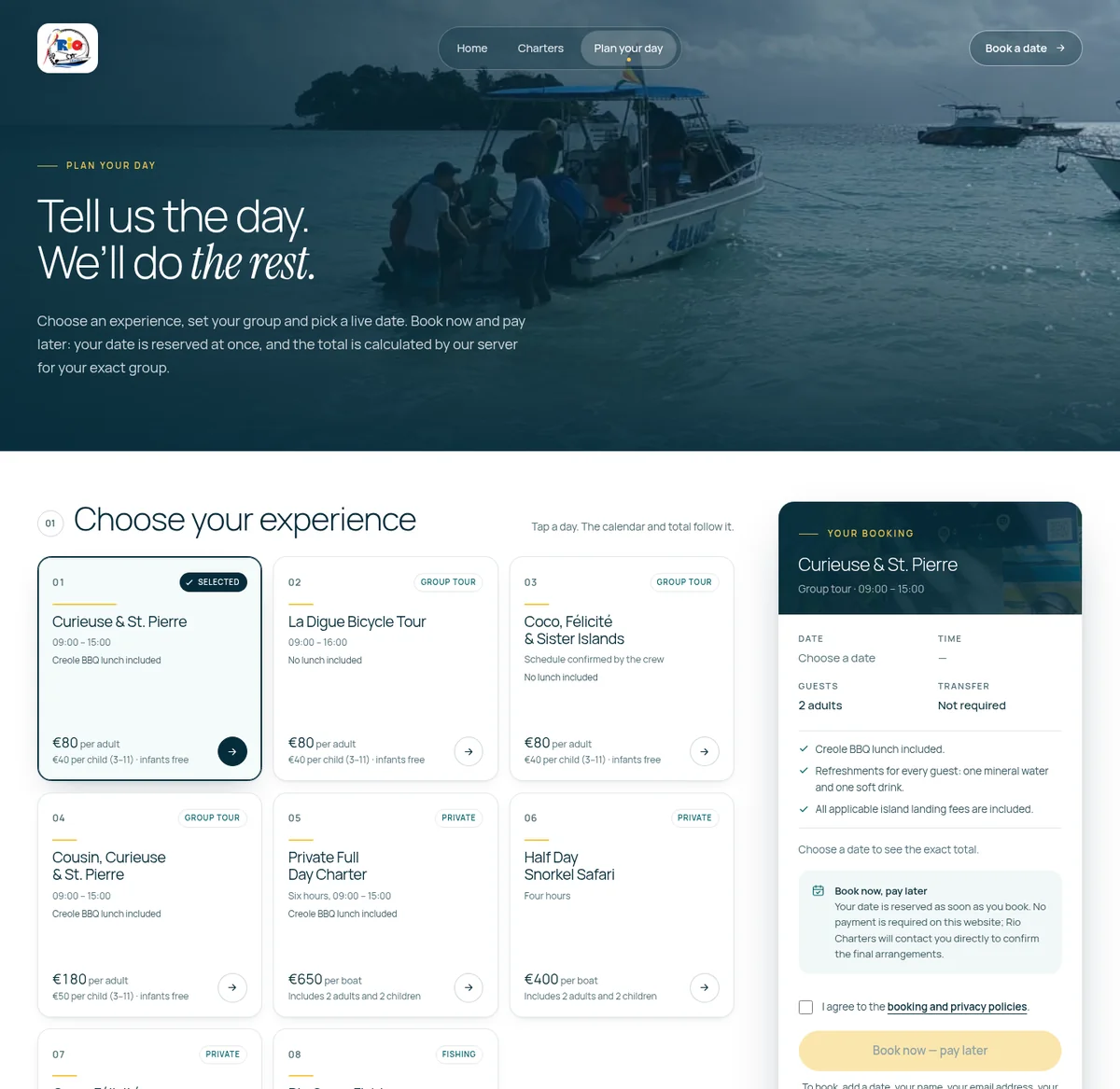
Plan your day — desktop
The booking steps sit beside the booking summary.
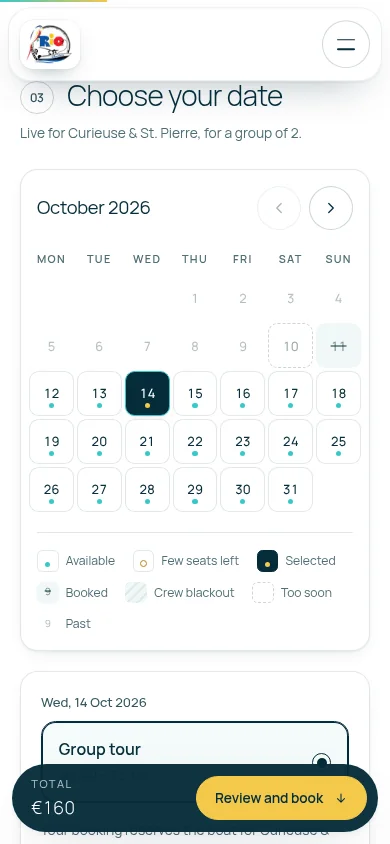
Chapter 04 / 05
Date selection — mobile
The captured calendar shows the selected date within the booking flow.
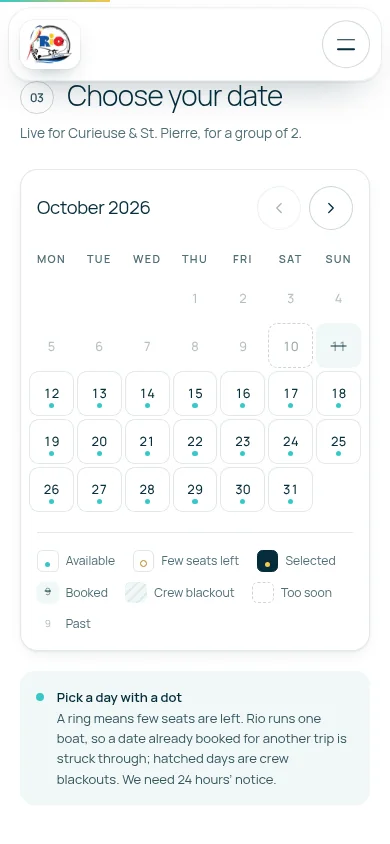
Chapter 05 / 05
Booking flow — mobile
The mobile flow keeps the total and review action in a sticky bar.
Key decisions and features
- One continuous route from the home page through charter selection to booking
- Offer cards with trip type, timing and published price details
- Numbered planning steps with a date picker and guest controls
- Desktop booking summary and mobile sticky total with review action
- Payment guidance beside the booking actions
- Real photography, ocean colours and restrained typographic accents
What was built
- Home page and charter catalogue
- Responsive desktop and mobile layouts
- Stepped booking and enquiry journey
- Date selection, guest controls and booking summary
- Arrival, contact and policy information